Financial Management
Automatic Due & Default Tracking
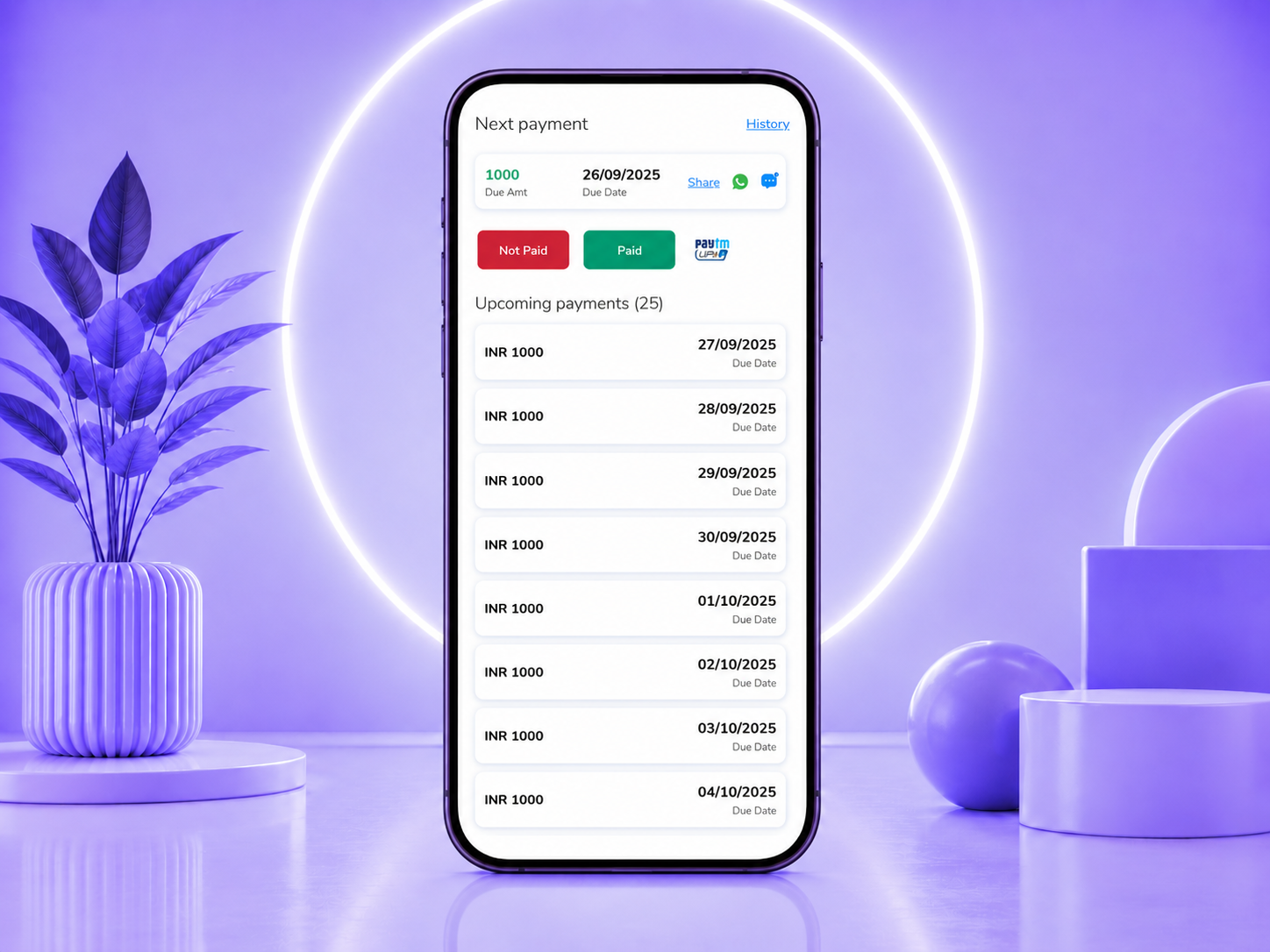
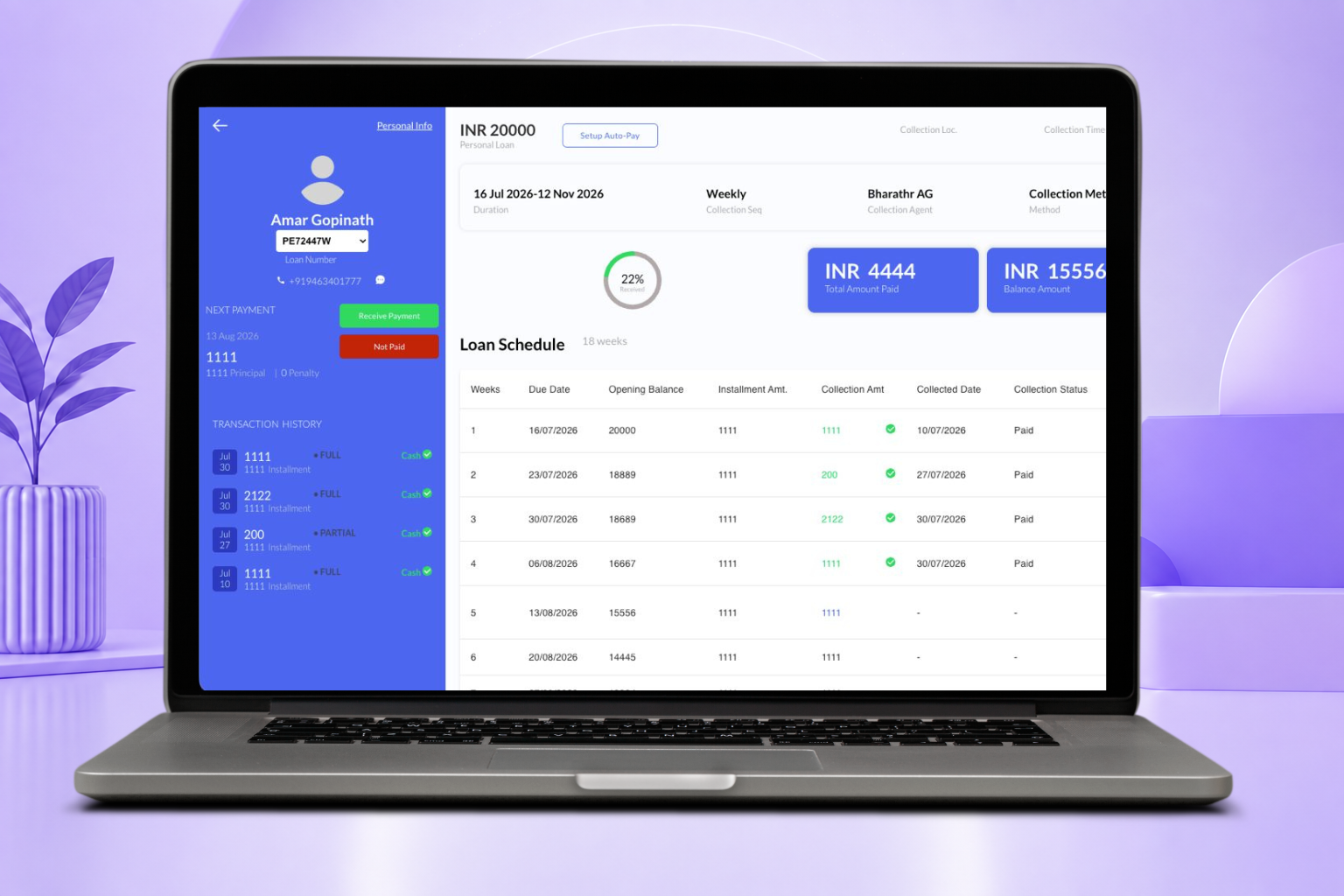
Get flagged automatically when payments are due or overdue, with configurable escalation rules.
Get flagged automatically when payments are due or overdue, with configurable escalation rules.
In the mobile app, check the overdue accounts widget.
Narrow down accounts by the due date you want to act on.
Move straight from the overdue list into collecting payment.
Get flagged automatically when payments are due or overdue, with configurable escalation rules.
Book a Demo